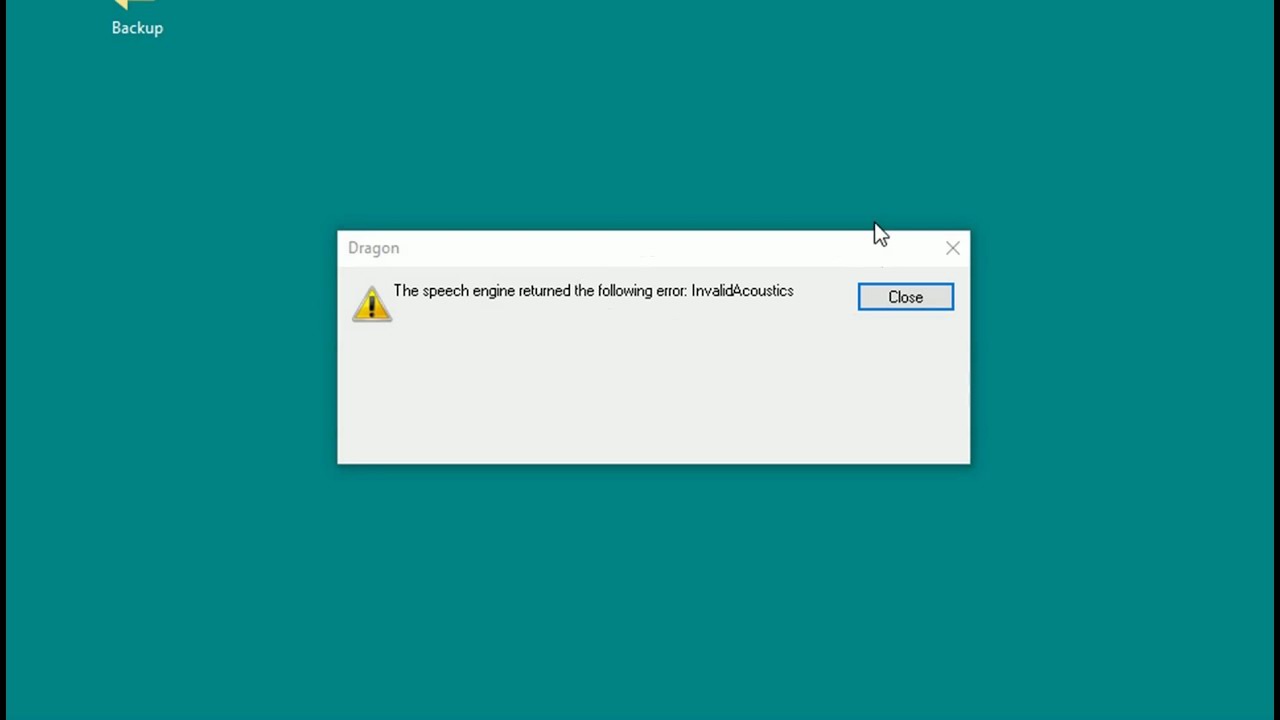
Invalid Acoustic error: Upgrade of Nuance Dragon version 14 to version 15 leads to InvalidAcoustic error when trying to open the upgraded profile. This is because the old profile had dictation source, like Dragon Remote Microphone, that is no longer supported in version 15. As a result, unsupported acoustic input skipped during the profile upgrade. If the unsupported input method was used last in version 14, the configuration files in version 15 will still contain reference to that missing acoustic. To fix: Navigate to the location of the upgraded profile, open "current" folder and find acoustic.ini file. Look inside the file for the acoustic codes that can be used (properly converted). Then find options.ini file in the same folder, open it and look for "Last Used Acoustics" keyword. It must be set to any value found in acoustic.ini file. Edit, save and launch Dragon.
InvalidAcoustic error after upgrading Nuance Dragon version 14 to 15 - YouTube |
| 13 Likes | 13 Dislikes |
| 1,368 views views | 2,102 followers |
| Science & Technology | Upload TimePublished on 16 Sep 2016 |


Không có nhận xét nào:
Đăng nhận xét